
Back to blog
WordPress SEO Plugins in 2026: Do You Still Need One, and Which Features Actually Matter
WordPress core now handles sitemaps, robots, canonicals and titles on its own. Here's what an SEO plugin still adds, and what's just noise.
The standard advice for a new WordPress site is still "install an SEO plugin," usually followed by a recommendation for whichever one the writer has an affiliate link for. That advice made obvious sense in 2015. In 2026 it deserves more scrutiny, because WordPress core has quietly absorbed several of the jobs SEO plugins were originally installed to do.
Core now generates XML sitemaps, outputs canonical tags, manages the robots meta tag, and renders title tags. None of that needs a plugin anymore. What plugins still genuinely add is narrower and more specific than the marketing suggests, and some of the most heavily promoted features have no documented effect on rankings at all.
TL;DR
- WordPress core handles XML sitemaps (since 5.5), a virtual robots.txt, the robots meta tag (since 5.7), canonical tags on singular pages (since 2.9), and title tags (since 4.4, if the theme declares support). You don't need a plugin for any of those.
- Core does not handle meta descriptions, Open Graph/social cards, schema markup, breadcrumbs, redirects, or per-page canonical overrides. That's the real gap a plugin fills.
- Google's own documentation states it "doesn't evaluate third-party services" and that third-party tools "don't have access to our internal ranking data." A plugin's green traffic light is a heuristic its vendor invented, not a ranking prediction.
- Meta keywords have been officially useless since 2009. Meta descriptions influence the snippet, not the ranking, and Google rewrites them freely. Google generates title links from multiple sources and does not always use your
<title>verbatim.- Pick based on which of the real gaps you need filled, and be aware that SEO plugins are among the plugin categories most likely to accumulate large autoloaded option sets, which WordPress 6.6 added a Site Health warning for.
What WordPress Core Already Does for SEO
This is the part that changes the calculation, so it's worth being precise about.
XML sitemaps. Since WordPress 5.5, core generates a dynamic sitemap index at /wp-sitemap.xml. It covers all public post types, public taxonomies, author archives, and the homepage. It respects the "discourage search engines" setting and disables itself if that box is checked. Technical limits are a maximum of 50,000 sitemaps per index and 2,000 URLs per individual sitemap, both filterable. It requires PHP's SimpleXML extension and returns a 501 if that isn't available.
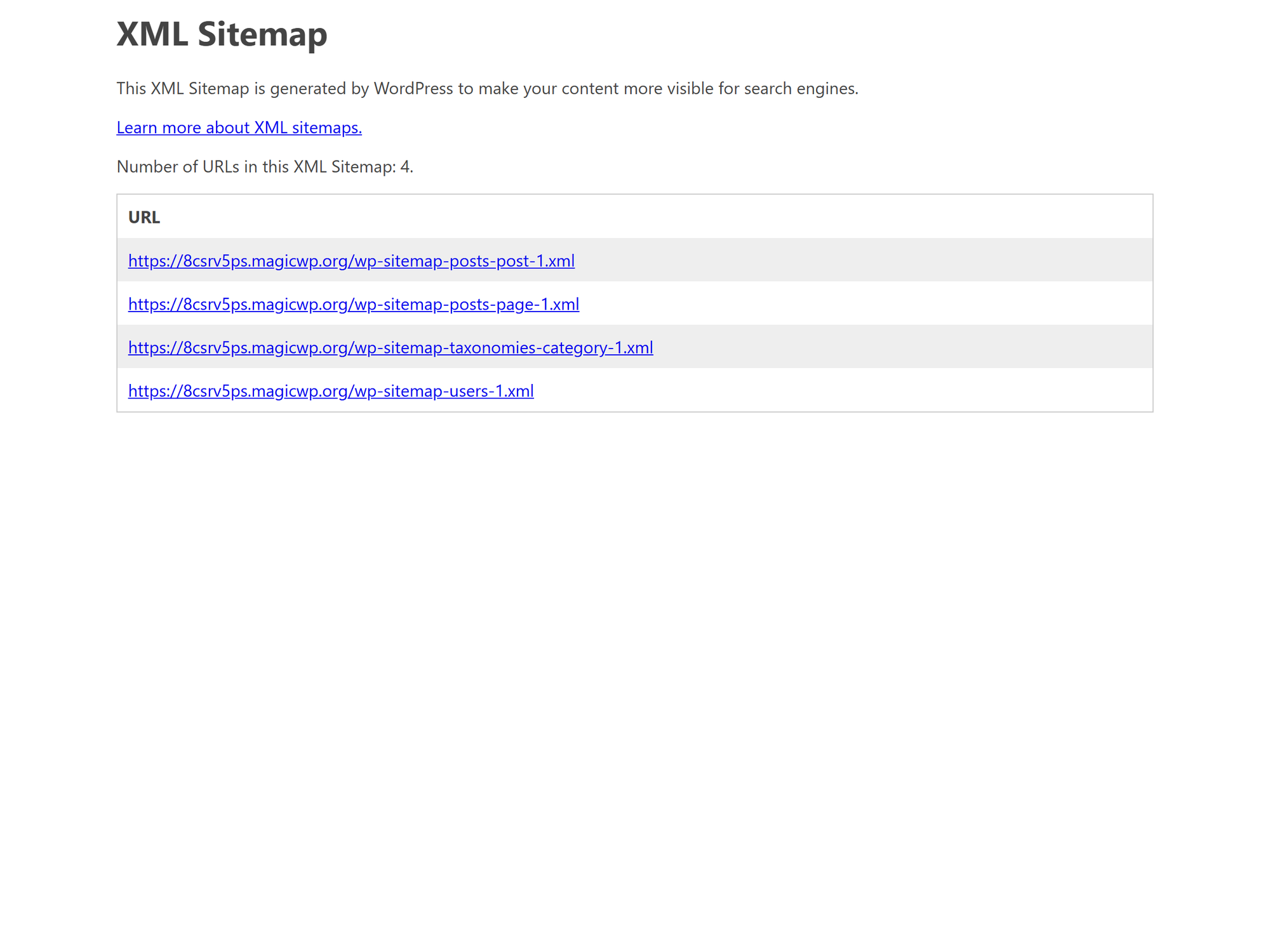
What core's sitemaps don't include: image sitemaps, video sitemap extensions, and news sitemaps. They also don't expose priority or changefreq controls, though Google ignores those anyway, so that's not a real loss.
robots.txt. WordPress has served a virtual robots.txt since version 2.1, with default directives blocking wp-admin while allowing admin-ajax.php. It's customizable through the robots_txt filter, and no physical file is required.
The robots meta tag. WordPress 5.7 introduced a proper Robots API. Core outputs <meta name="robots"> via wp_robots(), defaults to including max-image-preview:large, and automatically applies noindex to Customizer previews, login pages, and multisite activation pages.
Canonical URLs. rel_canonical() has output a canonical link since WordPress 2.9. Important caveat: it fires only on singular views, meaning individual posts and pages. Archives, taxonomy pages, search results, and the front page are not covered by the same automatic behavior.
Title tags. Since WordPress 4.4, core generates the <title> element automatically, but only if the active theme declares add_theme_support('title-tag'). That declaration is required for themes hosted on WordPress.org, so most themes have it. A custom or older theme might not.
What Core Doesn't Do
This list is the actual case for installing a plugin:
- Meta descriptions. No core UI for writing or generating them.
- Open Graph and Twitter/X card tags. Nothing in core outputs social sharing markup.
- Schema.org structured data. No JSON-LD generation.
- Breadcrumbs. No core breadcrumb output.
- Redirect management. No UI for 301s, and no automatic redirect when you change a slug.
- Per-page canonical overrides. Core sets canonicals automatically but gives you no interface to override one.
- Image sitemaps.
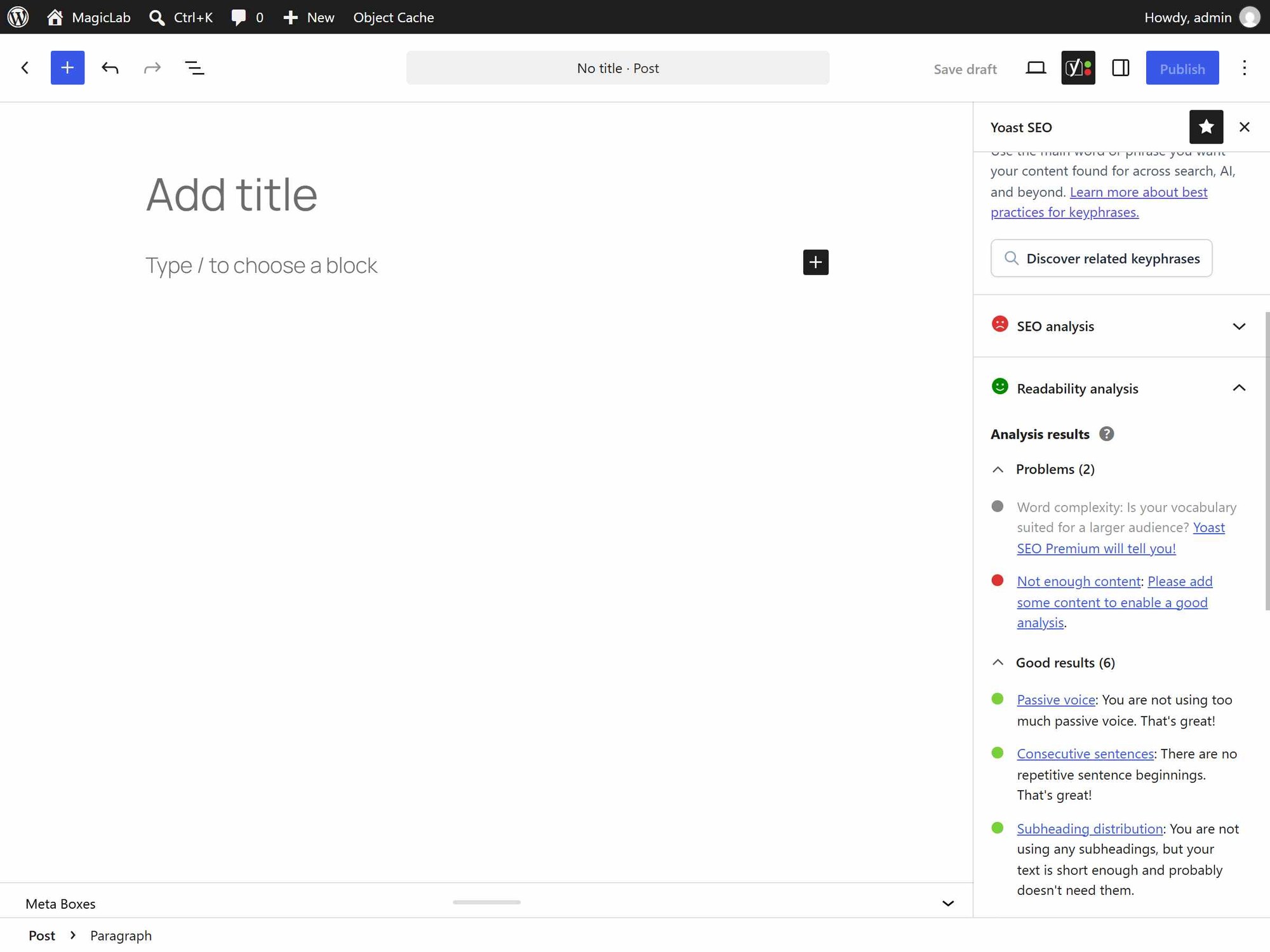
- Content and readability analysis. The focus-keyword scoring interfaces plugins are known for.
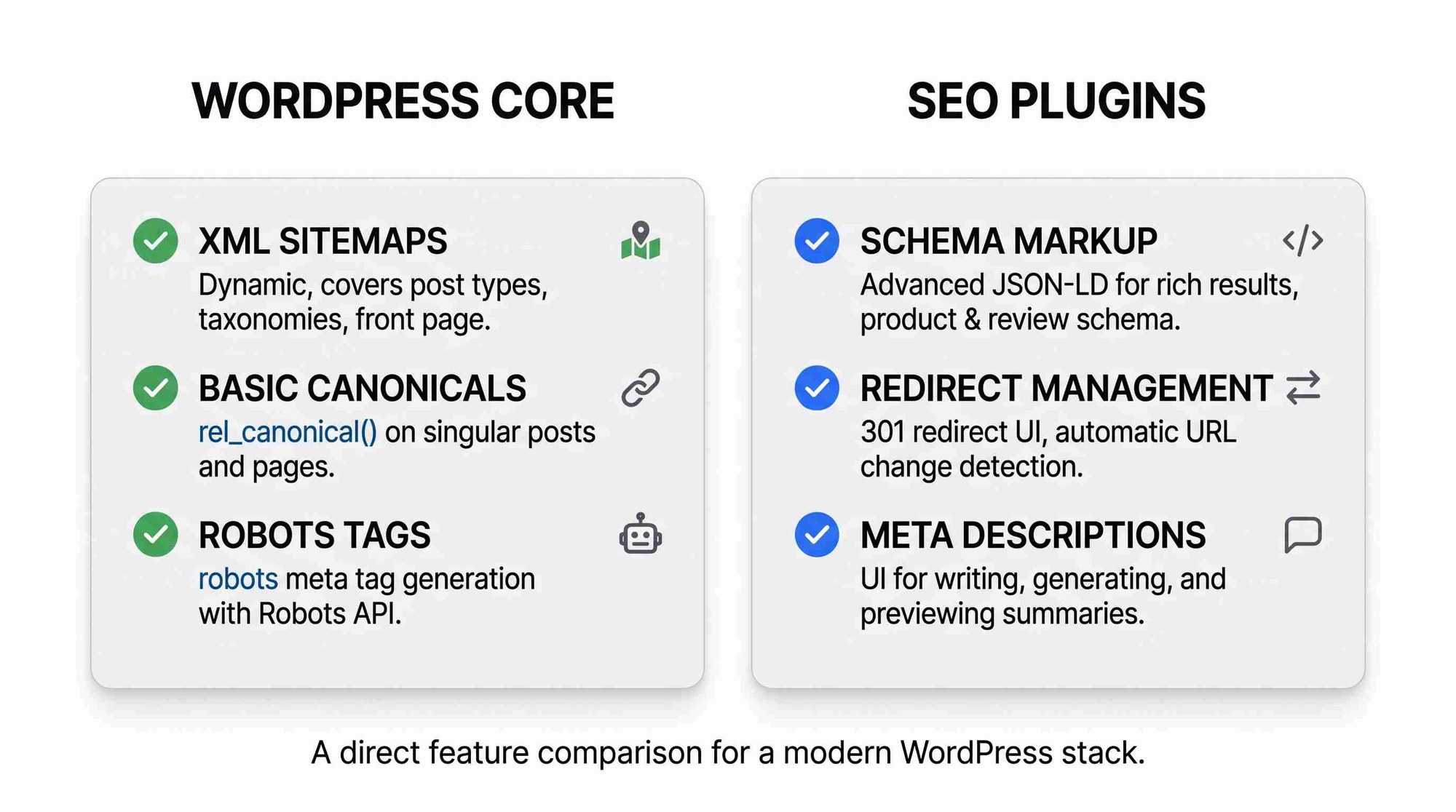 If you need several of these, a plugin is the sensible answer. If you need one or two, it may be worth asking whether a smaller, targeted plugin or a few lines in your theme's functions file does the job with less overhead.
What Google Actually Says About This
Worth grounding the discussion in the search engine's own documentation rather than plugin marketing.
Google's guidance on third-party SEO tools is unusually direct. Its documentation states that "Google doesn't evaluate third-party services, so be wary of such claims and those making them," and that third-party tools "don't have access to our internal ranking data" and "can't guarantee performance." Google points site owners toward Search Console instead of third-party tool metrics.
This is the single most useful frame for evaluating SEO plugin features. A plugin's SEO score, content score, or readability grade is a heuristic the vendor built. It may encode reasonable writing advice. It is not a ranking prediction, and no Google documentation supports the idea that turning a plugin's traffic light green improves rankings.
 Meta keywords are dead and have been officially so since 2009, when Google published a post titled, plainly, that it does not use the keywords meta tag in web ranking. Any plugin feature or workflow built around filling in meta keywords is wasted effort.
Meta descriptions influence snippets, not rankings. Google's documentation describes them as a source it "may" use for the snippet when the description characterizes the page better than other content on it. Google frequently generates its own snippet instead. Writing good descriptions is worthwhile for click-through rate; treating them as a ranking lever isn't supported.
Title links are generated, not copied. Google's documentation is explicit that title link generation "is completely automated" and draws on the <title> element, H1s, prominent on-page text, og:title, and even anchor text from links pointing at the page. You influence it; you don't control it. A plugin that gives you fine-grained title templating gives you influence over one input, not the output.
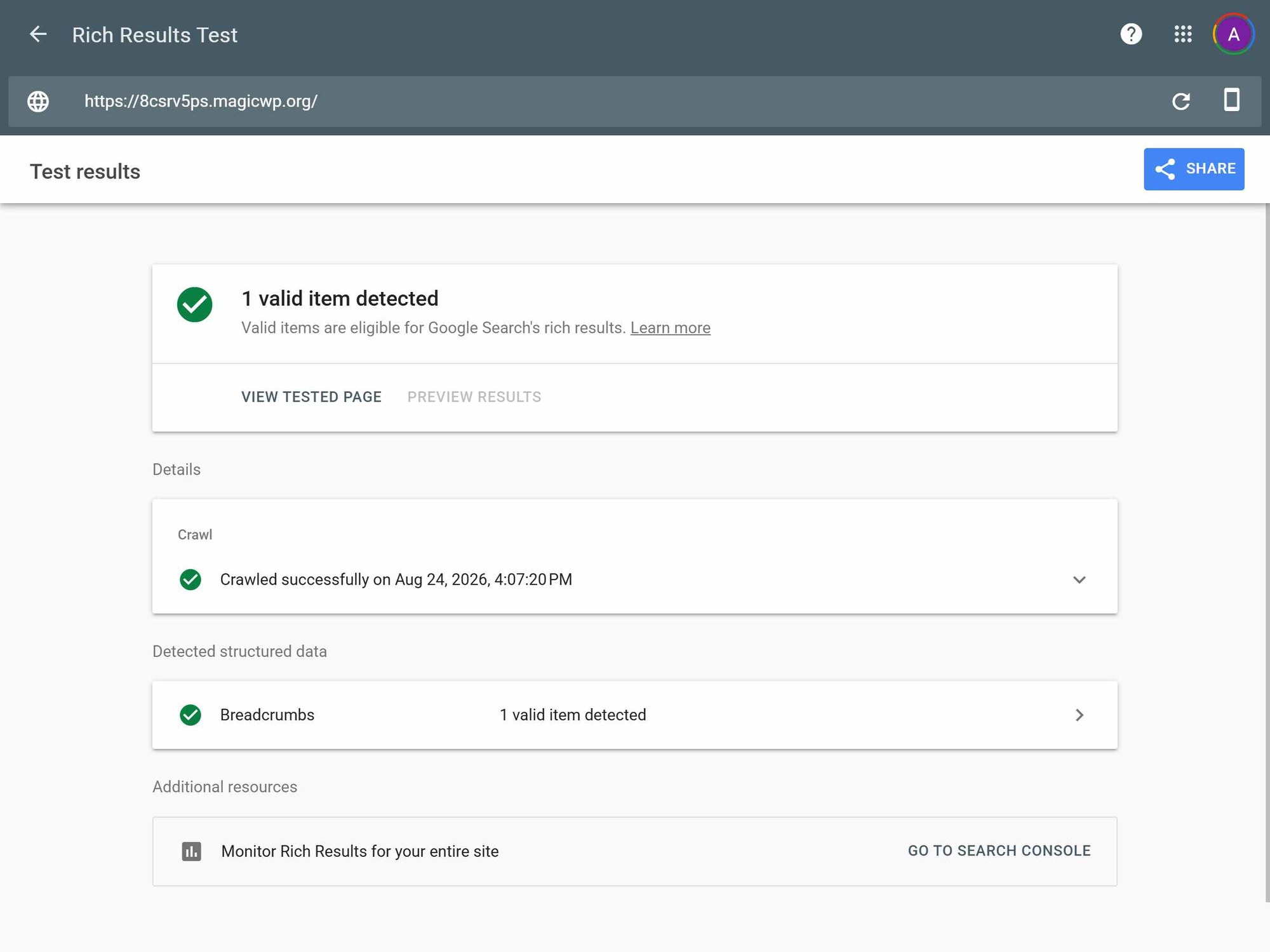
Structured data buys rich result eligibility, not rankings. Google's structured data documentation frames it as a prerequisite for enhanced result appearances, not as a ranking factor, and explicitly says Google "does not guarantee that your structured data will show up in search results." Markup must reflect visible page content, and JSON-LD is Google's recommended format.
The Main Options in 2026
Active install counts below are from each plugin's WordPress.org listing.
| Plugin | Active installs | Model | Notable for |
|---|---|---|---|
| Yoast SEO | 10+ million | Freemium | Largest ecosystem and third-party integration surface; Premium adds redirects, internal linking suggestions, and AI-drafted metadata |
| Rank Math SEO | 4+ million | Freemium | Extensive schema types and unlimited focus keywords in the free tier; built-in Search Console integration |
| All in One SEO | 3+ million | Freemium | Advanced schema in the free tier, robots.txt editor, positions itself as lighter than Yoast |
| SEOPress | 300,000+ | Freemium | Privacy-first, no vendor data collection, white-label options, multi-provider AI metadata |
| The SEO Framework | 200,000+ | Free, no premium tier | Fully free with no upsell path; automated and minimal-configuration by design |
| Slim SEO | 60,000+ | Freemium | Zero-configuration philosophy and the smallest footprint of the group |
A few honest observations about this table:
Install count is a proxy for ecosystem support, not quality. Yoast's 10 million installs mean nearly every theme, page builder, and third-party tool has been tested against it. That's a genuine benefit if you use a lot of extensions. It does not mean it produces better rankings.
The free-versus-premium line is where the real differences sit. Redirect management, for instance, is a paid feature in some of these and absent in others. If redirects are the thing you actually need, that determines your choice more than any SEO-scoring feature does.
The SEO Framework is the outlier worth knowing about. It's the only one here with no premium tier and no upsell, and it holds the highest average rating in the group. Its design philosophy is that most SEO settings should be automatic and invisible rather than exposed as configuration.
The Performance Question
SEO plugins have a reputation for being heavy. That reputation is partly earned and partly folklore, and it's worth separating the two.
The documented, verifiable mechanism is WordPress's autoloaded options. Every WordPress page load runs a query that retrieves all options marked for autoloading. If a plugin stores large settings blobs that way, that cost is paid on every single request.
This became official enough that WordPress 6.6 added guardrails: core now refuses to autoload individual options larger than 150KB unless explicitly opted in, and a Site Health check flags installs whose total autoloaded options exceed 800KB. The core team's own note on the change states plainly that "autoloading a large amount of data that is not used negatively impacts website performance."
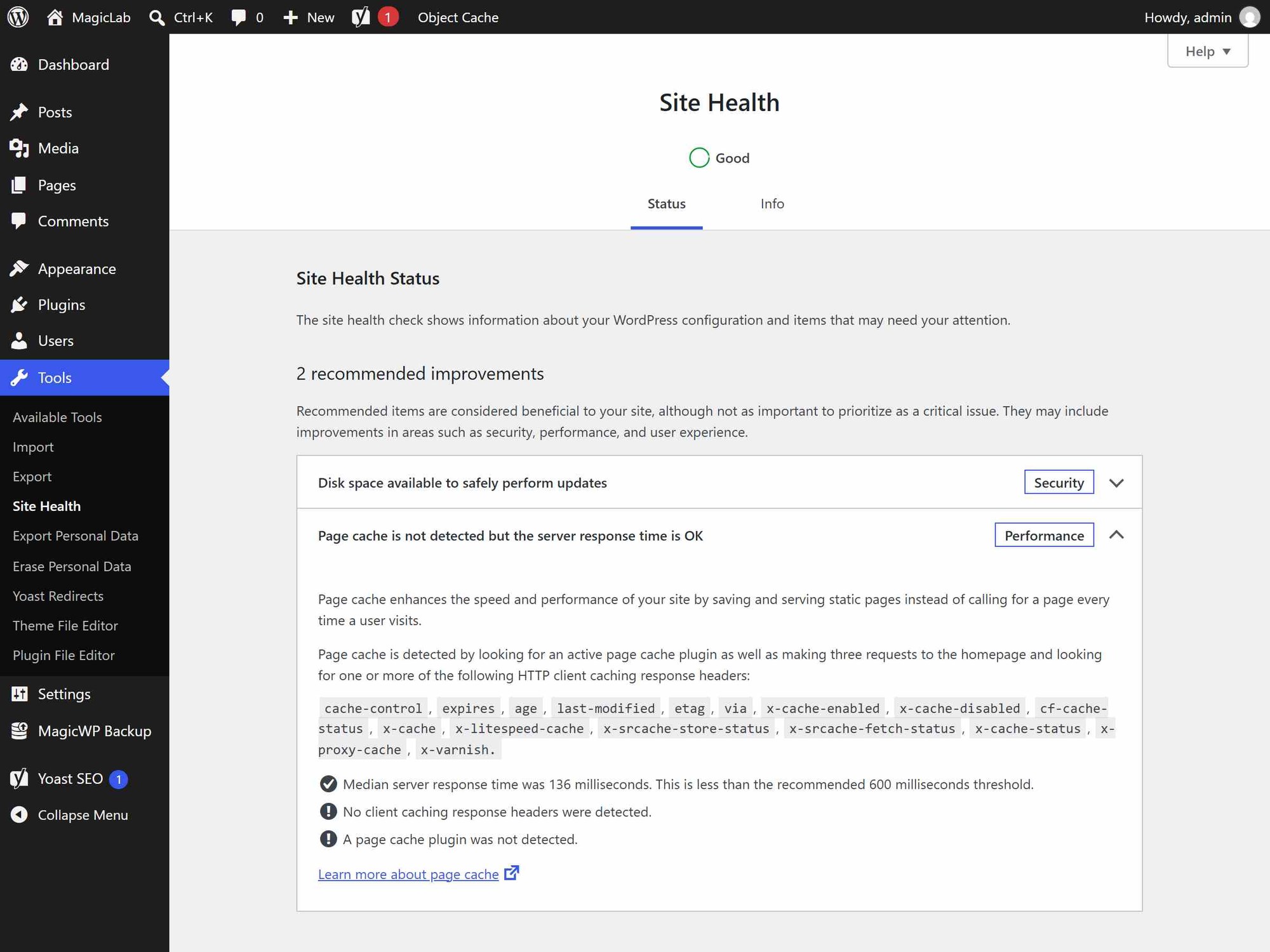
SEO plugins are structurally among the categories most likely to accumulate this, because they store per-post-type settings, schema templates, social defaults, and redirect tables. That's a reasoned inference from how they work, not a claim that any specific plugin is an offender, and no official WordPress documentation names SEO plugins specifically.
What you should be skeptical of is any blog claiming a specific plugin "adds 40 queries per page load." Those numbers circulate widely and rarely come with a reproducible methodology. Check your own install with a query monitor rather than trusting a listicle.
If you're running on infrastructure with proper object caching, much of the options-table cost is absorbed before it reaches the database. MagicWP's managed hosting handles that layer at the platform level, which changes the practical impact of a heavier plugin, though it doesn't make the underlying bloat disappear.
The AI SEO Plugin Wave, and One Correction
Most of the major plugins now market AI features. Rank Math, All in One SEO, and SEOPress all advertise AI-assisted title and description generation in their WordPress.org listings. Yoast added AI-drafted metadata to its Bulk Editor in July 2026 for Premium, WooCommerce SEO, and its AI-tier plan, with a review-before-save step so nothing publishes unreviewed.
One thing worth correcting, because it circulated widely: a January 2026 Forbes piece headlined that "WordPress launches plugin to help improve SEO for AI searching." The plugin in question is LovedByAI, and it is a third-party plugin distributed through the ordinary WordPress.org directory. It is not a WordPress core team or Automattic product, and at time of writing it sits around 500 active installs. The headline framing implied an official release that didn't happen.
This matters beyond the one plugin, because AI-search optimization is currently the most snake-oil-adjacent corner of the SEO plugin market. Google's own documentation states there are no additional requirements or special optimizations needed to appear in its AI features, and that you don't need new machine-readable files or markup for them. Be correspondingly skeptical of any plugin whose pitch is that it unlocks AI search visibility.
So, Do You Still Need One?
You probably don't need one if: you run a simple blog or brochure site, your theme handles title tags, you're not doing structured data, you don't need social cards beyond what your theme outputs, and you rarely change URLs. Core's sitemaps, canonicals, and robots handling cover you.
You probably do need one if: you want control over meta descriptions and social cards, you need structured data for rich results, you change URLs often enough that redirect management matters, you run WooCommerce and want product schema, or you manage content with multiple authors who benefit from a consistent editorial checklist.
Choose based on the gaps, not the score. Write down which of the "what core doesn't do" items you actually need, then pick the lightest plugin that covers them. If that's two items, a minimal plugin like Slim SEO or The SEO Framework may serve better than a suite you'll use 15% of.
Don't run two. Two SEO plugins both outputting canonical tags, schema, and social markup produce duplicate and conflicting output. If you're switching, migrate properly and deactivate the old one.
Frequently Asked Questions
Does WordPress need an SEO plugin in 2026? Not for the basics. Core handles XML sitemaps, robots.txt, the robots meta tag, canonical URLs on posts and pages, and title tags. A plugin is worth installing when you need meta descriptions, social cards, schema markup, breadcrumbs, or redirect management, none of which core provides.
Which SEO plugin is best for WordPress? There's no single best. Yoast has the widest ecosystem support, Rank Math offers the most schema functionality free, The SEO Framework is entirely free with no upsell, and Slim SEO is the lightest. Pick based on which specific gaps you need filled rather than on install counts or scoring features.
Do SEO plugins actually improve rankings? They make it easier to do things that can help, like writing good descriptions and adding valid structured data. Google's own documentation states it doesn't evaluate third-party services and that such tools have no access to its ranking data. No plugin can guarantee ranking improvements, and a green content score is a vendor heuristic, not a Google signal.
Does WordPress generate an XML sitemap without a plugin?
Yes. Since WordPress 5.5, core generates a sitemap index at /wp-sitemap.xml covering public post types, public taxonomies, author archives, and the homepage. It doesn't produce image, video, or news sitemaps.
Do meta keywords still matter for SEO? No. Google publicly confirmed in 2009 that it does not use the keywords meta tag for web ranking. Any plugin feature built around them is legacy.
Will Google use the meta description I write? Sometimes. Google's documentation says it may use the meta description when that describes the page better than other on-page content, but it frequently generates its own snippet instead. Meta descriptions affect the snippet shown, not the ranking.
Do SEO plugins slow down WordPress? They can, primarily through autoloaded options that get queried on every page load. WordPress 6.6 added a Site Health warning when total autoloaded options exceed 800KB and stopped autoloading individual options over 150KB by default. Measure your own install rather than relying on published per-plugin query counts, which are rarely reproducible.
Can I use two SEO plugins together? No, you'll get duplicate canonical tags, conflicting schema, and doubled social markup. Use one, and fully deactivate the other when switching.
Conclusion
The honest 2026 answer on WordPress SEO plugins is that they've become optional infrastructure rather than mandatory infrastructure. Core covers the mechanical basics well enough that the decision now hinges on a short, specific list: meta descriptions, social cards, schema, breadcrumbs, and redirects.
Choose against that list, keep an eye on what the plugin is autoloading, and treat vendor scoring features as writing prompts rather than ranking predictions. Google's own documentation is clearer on this than most SEO content is: no third-party tool has access to how ranking actually works, so the plugin's job is to make good practice convenient, not to unlock anything.

Get the best of MagicWP in your inbox.
Monthly engineering notes, product updates, and WordPress performance tips. No spam, unsubscribe anytime.
Join 12,000+ builders. We send one email a month.